The check-in desk is one of the most emotionally charged spaces in a hotel. Guests arrive tired, rushed, or impatient. Staff are managing queues, documents, payments, room readiness, and last-minute changes all at once. When check-in works well, it feels invisible. When it fails, it defines the entire stay.
- What Is Hotel Kiosk Check-In?
- Kiosk Check-In vs Traditional Front Desk Check-In
- Why Hotels Are Adopting Kiosk Check-In
- How Hotel Kiosk Check-In Systems Work
- Core Features of Hotel Check-In Kiosks
- Hotel Kiosk Check-In and Guest Experience
- Operational Benefits of Hotel Kiosk Check-In
- Hotel Kiosk Check-In and PMS Integration
- Kiosk Check-In vs Mobile Check-In
- Hotel Kiosk Check-In for Different Hotel Types
- Challenges and Limitations of Hotel Kiosk Check-In
- Choosing the Right Hotel Kiosk Check-In System
- Best Practices for Implementing Hotel Kiosk Check-In
- Common Mistakes Hotels Make With Check-In Kiosks
- Future of Hotel Kiosk Check-In
- Frequently Asked Questions – Hotel Kiosk Check-In
Hotel kiosk check-in exists to solve this pressure point.
Self-service check-in kiosks allow guests to complete arrival formalities quickly and independently, while staff focus on hospitality instead of paperwork. When implemented correctly, kiosks shorten queues, reduce errors, improve consistency, and give guests control over their arrival experience. When implemented poorly, they feel cold, confusing, or forced.
This guide explains hotel kiosk check-in in a practical, hotel-first way. It focuses on how kiosks actually work, where they add real value, how they integrate with PMS systems, which hotel types benefit most, and how to implement them without damaging the human side of hospitality.
What Is Hotel Kiosk Check-In?
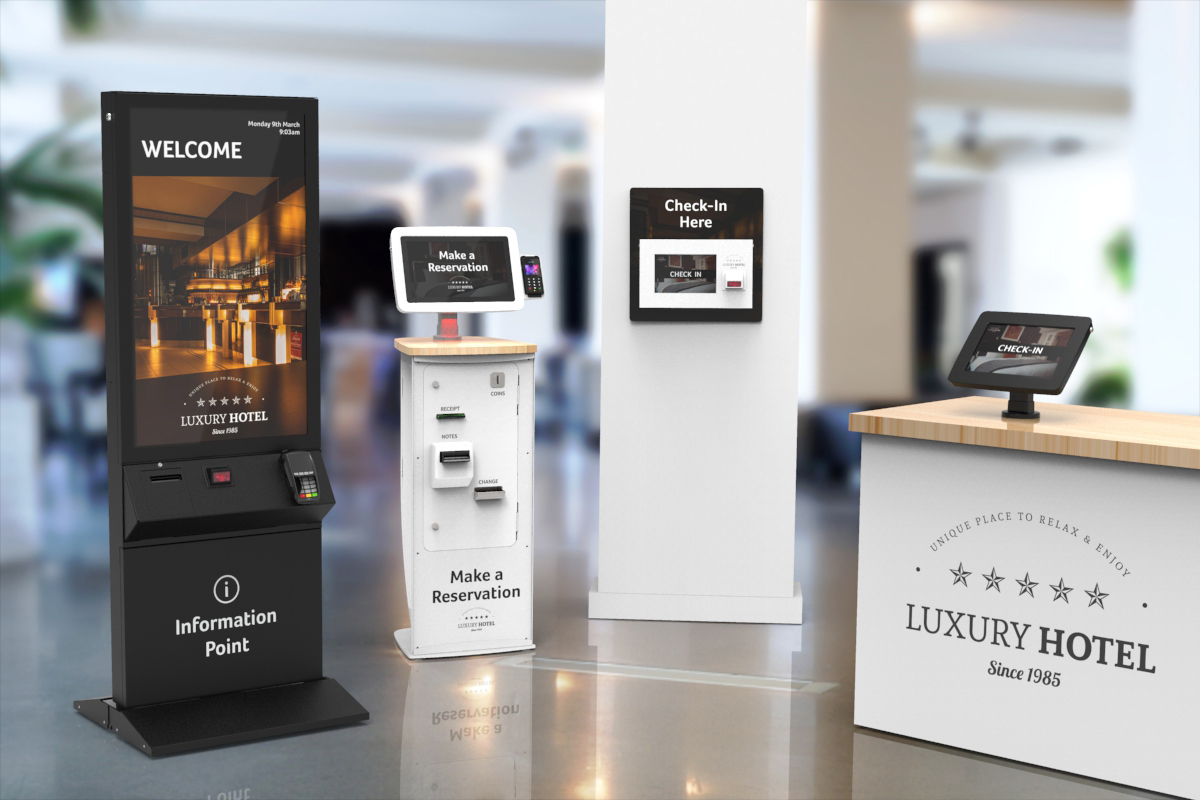
Hotel kiosk check-in is a self-service system that allows guests to complete the check-in process using a touchscreen kiosk instead of interacting directly with the front desk. Guests can verify identity, confirm booking details, make payments, receive room information, and collect room keys or digital access.
A kiosk check-in system typically operates in the hotel lobby or arrival area and is connected to the hotel’s PMS. It works alongside traditional front desk operations rather than replacing them entirely.
In simple terms, kiosk check-in gives guests the option to check in themselves.
Kiosk Check-In vs Traditional Front Desk Check-In
Traditional check-in relies on staff handling every step manually. This works well when arrival volume is low and staffing levels are high. Problems arise during peak hours, group arrivals, or staff shortages.
Kiosk check-in shifts routine steps to automation:
- Data entry
- ID verification
- Payment collection
- Key issuance
Staff remain available for:
- Guest assistance
- Exceptions and special cases
- Service recovery
- Personal interaction
The goal is balance, not replacement.
Why Hotels Are Adopting Kiosk Check-In
Faster Check-In and Shorter Queues
Kiosks reduce waiting time, especially during peak arrival windows. Guests who prefer speed can bypass the front desk entirely.
Lower Front Desk Workload
Routine tasks consume front desk energy. Kiosks free staff to focus on guest interaction rather than administration.
24/7 Check-In Capability
Late-night arrivals no longer depend entirely on staffing levels. Kiosks support round-the-clock arrivals.
Consistency and Error Reduction
Kiosks follow the same process every time, reducing manual errors and inconsistencies.
How Hotel Kiosk Check-In Systems Work
While designs vary, most kiosk systems follow a similar flow.
Guest Identification and Verification
Guests locate their booking using:
- Reservation number
- Name and date
- ID scan
Some systems support passport or ID scanning to speed verification.
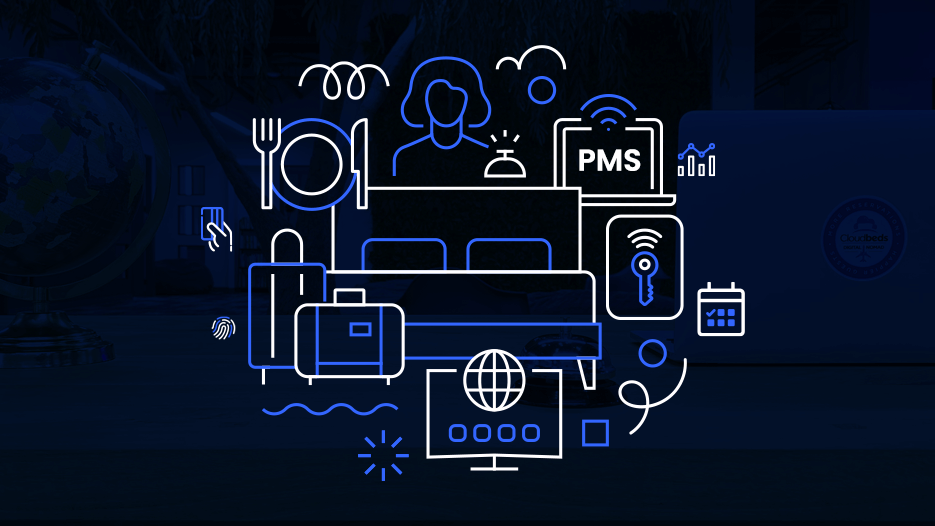
PMS Integration
The kiosk communicates with the PMS to:
- Retrieve booking details
- Confirm room availability
- Update check-in status
Real-time integration is critical. Without it, kiosks create more problems than they solve.
Payment and Deposit Handling
Guests can:
- Pay outstanding balances
- Authorize deposits
- Confirm payment methods
Secure payment handling is essential for trust.
Room Assignment and Key Issuance
Once verified, the kiosk assigns a room and issues:
- A physical key card
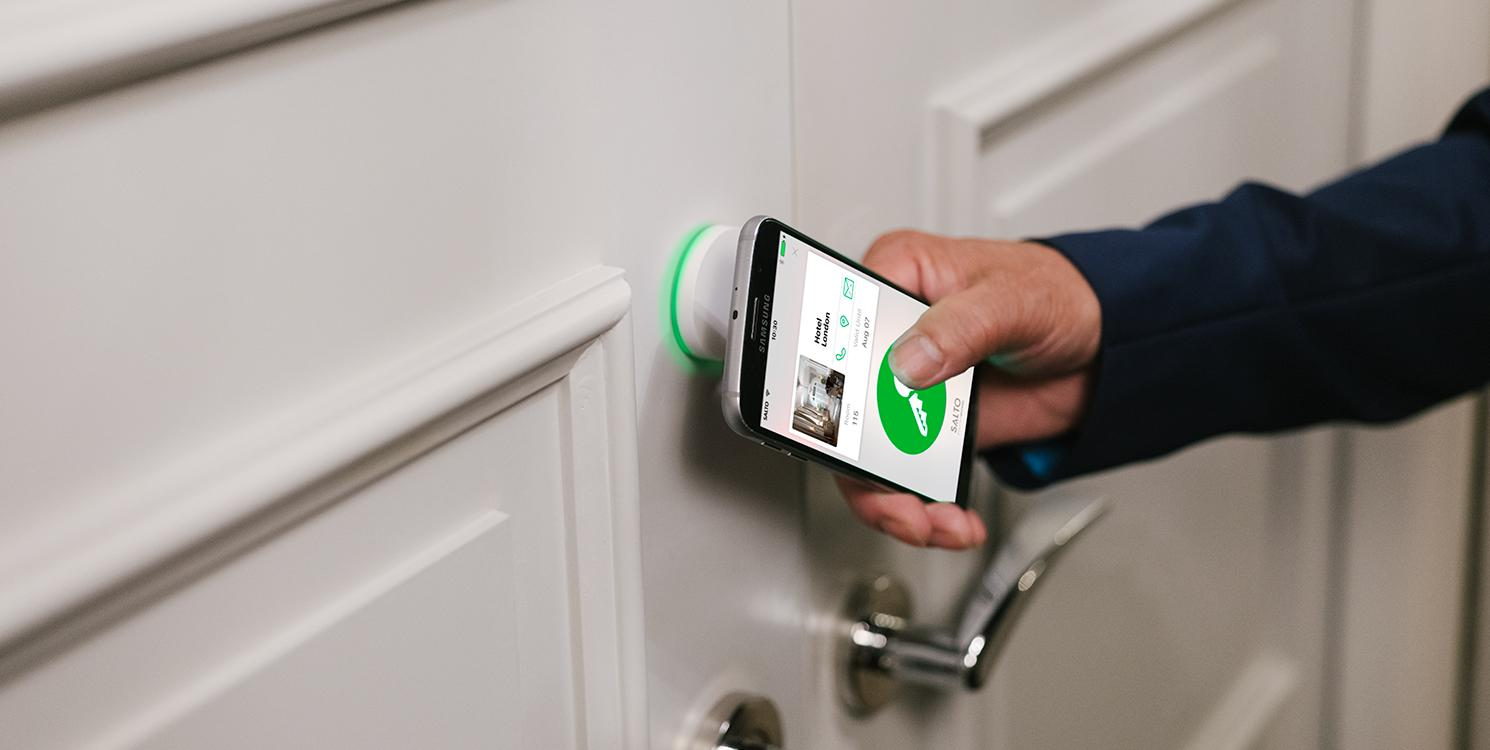
- Or activates a digital key
This step must sync instantly with the PMS to avoid double assignments.
Confirmation and Receipts
Guests receive confirmation via:
- Printed receipt
- Email or SMS
The check-in process ends cleanly without staff involvement.
Core Features of Hotel Check-In Kiosks
Hotels should evaluate kiosks based on functionality, not novelty.
ID Scanning and Verification
Speeds up data entry and reduces manual errors.
Reliable PMS Connectivity
The kiosk is only as good as its PMS integration.
Secure Payment Processing
PCI-compliant payment handling builds trust.
Key Card or Digital Key Issuance
Immediate room access is non-negotiable.
Multi-Language Support
Essential for international guests.
Custom Branding and UI
A familiar brand interface increases guest comfort.
Hotel Kiosk Check-In and Guest Experience
Speed vs Human Interaction
Some guests want efficiency. Others want conversation. Kiosks serve the first group without removing the second.
Guest Segments That Prefer Kiosks
- Business travelers
- Frequent guests
- Airport and transit hotel guests
- Late-night arrivals
Choice improves satisfaction.
Reducing Arrival Stress
Clear signage and intuitive screens reduce confusion and anxiety.
Accessibility Considerations
Kiosks should be usable by guests of different heights, abilities, and tech comfort levels.
Operational Benefits of Hotel Kiosk Check-In
Reduced Front Desk Congestion
Peak arrivals no longer overwhelm staff.
Better Staff Deployment
Staff shift from paperwork to guest service.
Lower Staffing Pressure During Peak Hours
Hotels can manage spikes without temporary overstaffing.
Standardized Check-In Process
Policies and procedures are applied consistently.
Hotel Kiosk Check-In and PMS Integration
PMS integration determines success.
Real-Time Room Assignment
Rooms assigned through kiosks must reflect actual availability.
Syncing Guest Data
Guest profiles, ID details, and preferences update automatically.
Avoiding Double Check-Ins
Two-way sync prevents conflicts between kiosks and front desk.
Why Integration Testing Matters
Most kiosk failures occur due to poor integration, not hardware issues.
Kiosk Check-In vs Mobile Check-In
Both reduce front desk load, but serve different behaviors.
Mobile Check-In
- Preferred by tech-savvy guests
- Requires smartphones
- Best for pre-arrival completion
Kiosk Check-In
- Accessible to all guests
- No personal device needed
- Ideal for walk-ins and late arrivals
Many hotels successfully use both.
Hotel Kiosk Check-In for Different Hotel Types
Budget Hotels
Kiosks reduce staffing costs and speed up arrivals.
Boutique Hotels
Best used as an option, not a default, to preserve personal touch.
Luxury Hotels
Selective use for frequent or late-arrival guests works best.
Airport and Transit Hotels
Kiosks are highly effective due to high volume and short stays.
Serviced Apartments
Self-service arrivals support flexible check-in times.
Challenges and Limitations of Hotel Kiosk Check-In
Guest Resistance
Some guests prefer human interaction. Choice must remain.
Technical Failures
Downtime during peak hours damages trust.
Security and Data Privacy
ID scanning and payments require strong safeguards.
Accessibility and Inclusion
Poor design excludes some guests.
Choosing the Right Hotel Kiosk Check-In System
Hotel Size and Layout
Kiosk placement must support traffic flow.
PMS Compatibility
Native or certified integrations reduce risk.
Hardware vs Software Decisions
Durability and support matter more than aesthetics.
Vendor Support and Maintenance
On-site systems need reliable support.
Cost and ROI Evaluation
Savings come from efficiency, not staff elimination alone.
Best Practices for Implementing Hotel Kiosk Check-In
Placement and Signage
Guests should immediately understand the option.
Staff Training and Guest Guidance
Staff should assist, not compete with kiosks.
Hybrid Check-In Strategy
Offer choice. Never force automation.
Monitoring and Optimization
Track usage, errors, and guest feedback.
Common Mistakes Hotels Make With Check-In Kiosks
- Removing human service entirely
- Poor UI and unclear instructions
- Inadequate staff support
- Treating kiosks as replacements instead of tools
- Ignoring guest feedback
Technology amplifies strategy. It does not fix bad processes.
Future of Hotel Kiosk Check-In
Biometrics and Facial Recognition
Faster identity verification is emerging, with privacy considerations.
Fully Contactless Journeys
Check-in, access, and payments without touchpoints.
AI-Driven Room Allocation
Smarter room assignment based on preferences and availability.
Deeper Smart Hotel Integration
Kiosks becoming part of a connected arrival ecosystem.
Frequently Asked Questions – Hotel Kiosk Check-In
What is hotel kiosk check-in?
A self-service system that allows guests to check in without front desk interaction.
Do guests like self check-in kiosks?
Many do, especially frequent and business travelers.
Are check-in kiosks expensive?
Costs vary, but ROI often comes from efficiency and labor optimization.
Do small hotels need check-in kiosks?
Not always, but they can help during peak hours or late arrivals.
Hotel kiosk check-in is not about removing hospitality. It is about removing friction. When guests can choose how they arrive, satisfaction increases. When staff are freed from repetitive tasks, service quality improves.
The most successful hotels treat kiosks as part of a hybrid arrival strategy, blending automation with human warmth. In a hospitality landscape shaped by speed, convenience, and choice, kiosk check-in is no longer a novelty. It is a practical tool for modern hotel operations.